
What Makes a Stealth Hideout Scene
Introduction
This guide explains how to build hideout scenes for the stealth version of the hideout mission. It covers how the mission is structured, which mission elements (prefabs) you need, and the design guidelines we follow to keep stealth gameplay fair and readable.
Before you start, it helps to know how standard hideout scenes are built. See What Makes a Hideout Scene in the Authoring Mission Scenes section.
1. Mission Overview
A stealth hideout mission has three phases:
- Sentries: The player sneaks through the hideout. They can choose to take out small groups of guards (sentries) without being seen or sneak by them for extra stealth experience.
- Main Bandit Group: Once every sentry is gone or the player sneaks by them, they call for reinforcements and attack the main bandit camp together with them.
- Boss Fight: After the main group is defeated, the player faces the hideout boss.
Sentries
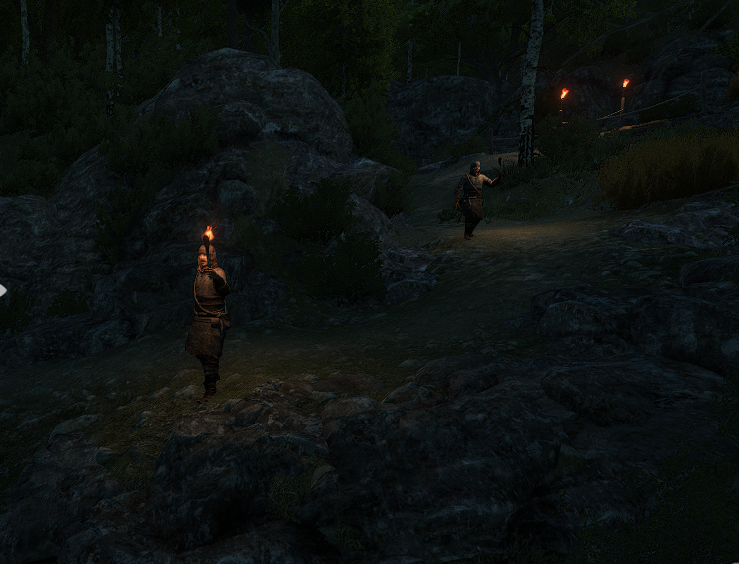
Sentries guard the approach to the Main Bandit Group. The player can choose to eliminate them without being spotted or ignore them entirely. Doing the latter gives bonus stealth experience. If the former, when all sentries are cleared, the player interacts with a use point to signal their reinforcements.
How many sentries you place depends on the size and layout of your scene. Some sentries should always be present, and others spawn randomly each time the mission is played, so no two runs are exactly the same.
Main Bandit Group
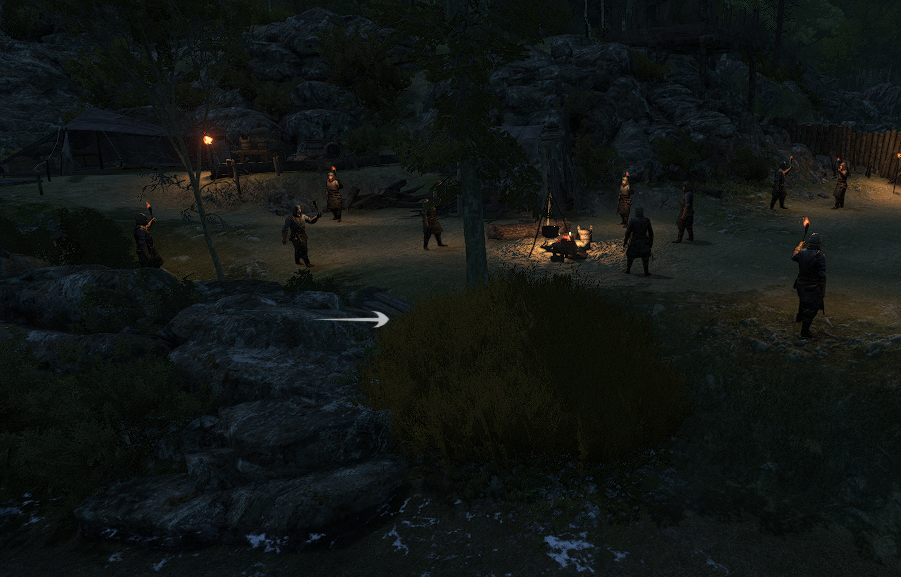
Every stealth hideout needs a large, crowded bandit camp that the player must defeat before the boss fight. The player attacks this camp together with their reinforcements.
Design guidelines:
- Make the camp easy to identify. The player should recognize it immediately.
- Make it clear that the player cannot defeat this group alone.
- Keep the camp visually separate from the sentry areas.
Boss Fight
The boss fight works the same way as in standard hideout missions. You can use the existing boss fight setup (prefab: hideout_boss_fight).
2. Designing the Sentry Phase
The sentry phase is the core stealth part of the mission. We recommend placing 8-16 sentries in a scene. Mix the following sentry types and mechanics to make the phase varied and interesting.
Stationary Sentries (Easy Targets)
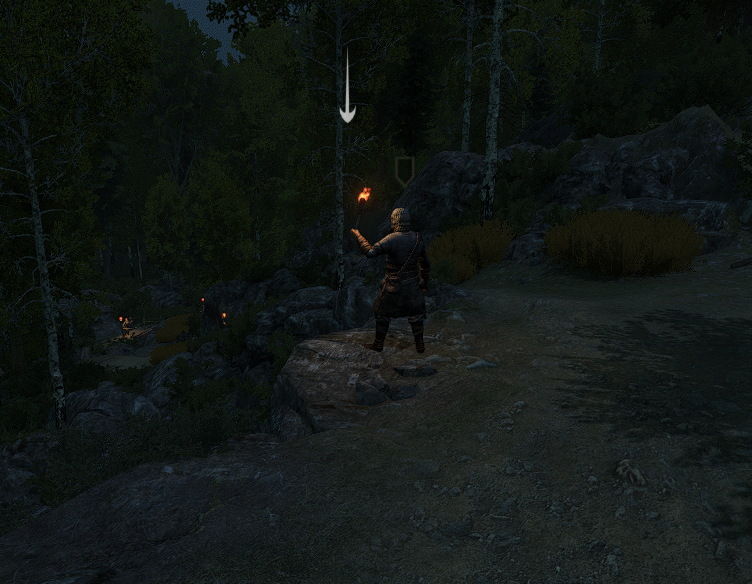
Place some sentries facing away from the player’s approach so they are easy to take down. Have them watch over important paths or locations. If the player skips them, they may spot the player later on.
Patrolling Sentries
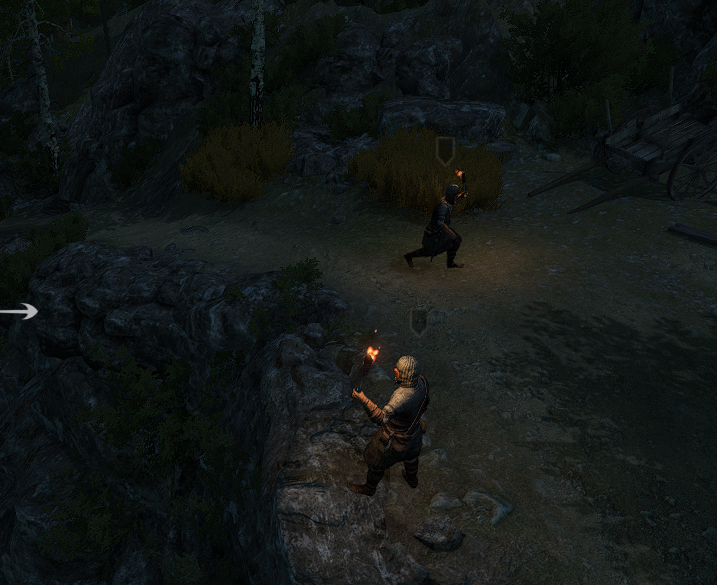
Give some sentries a patrol route made of several points, and they will walk between them. Try routes where a patrolling sentry can see a stationary sentry at certain points. This rewards the player for timing their kills carefully.
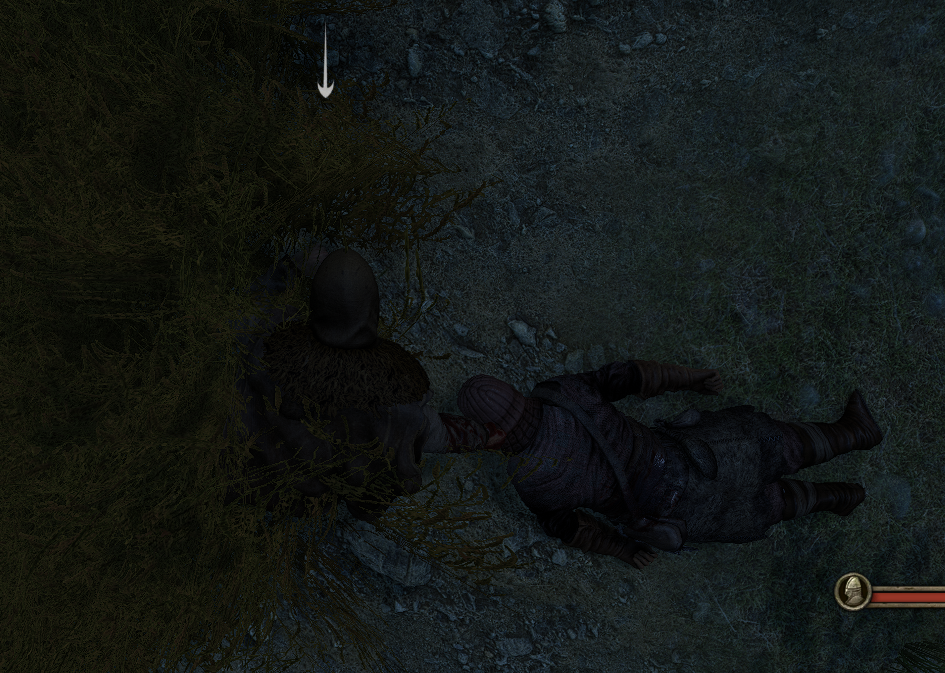
Corpse Dragging
The player can drag the bodies of defeated enemies. Your layout can create moments where the player must hide a body in the bushes before another sentry notices it.
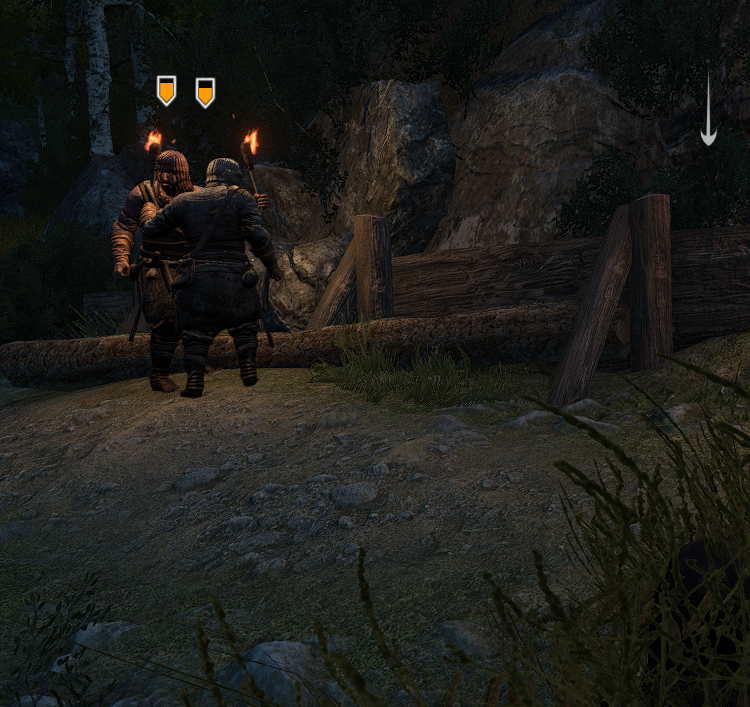
Distracting Sentries
The player can throw stones to distract sentries. They may carry stones already, and you can also place stones on the ground for the player to pick up. Think about where distractions would be useful when designing your layout.
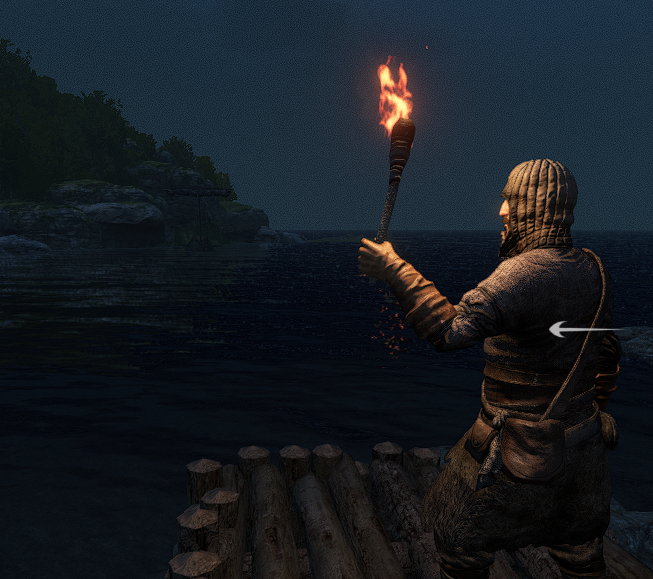
Torches
Sentries can carry torches in their off hand. Torches help the player see where sentries are and find their way, which is especially useful at night.
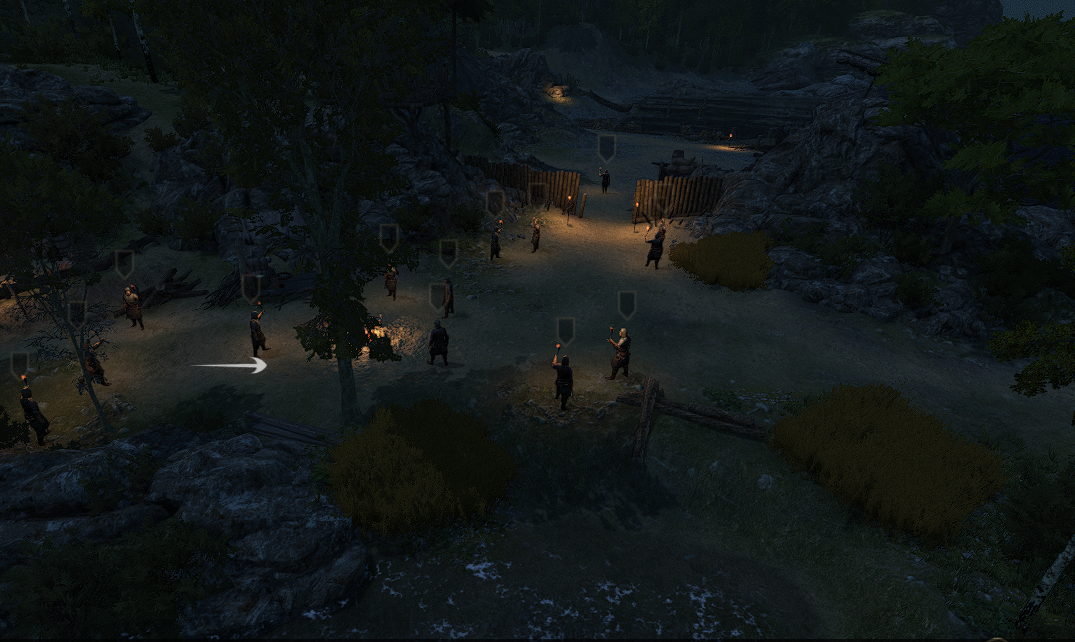
3. Cover
Hiding in Bushes
The player sometimes needs to hide and wait for the right moment to strike. Use grass or bushes together with stealth boxes (see Stealth Boxes) to create hiding spots.
Hideable bushes should look clearly different from decorative plants, so players can tell right away where they can hide.
Solid Cover
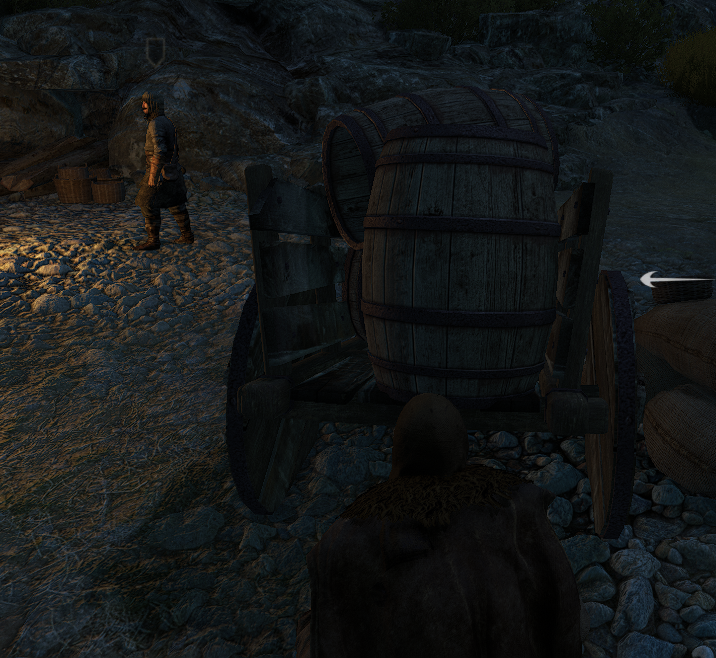
Where it makes sense, use solid objects such as carts, barrels, and tents as cover instead of grass.
4. Mission Elements (Prefabs)
AI Spawn Points
- Prefab: dynamic_patrol_area.
- Use it to spawn bandits, both sentries and the Main Bandit Group.
- For a stationary bandit, use a single point and enable infinite wait point.
- For a patrolling bandit, use several points. The bandit will walk between them.
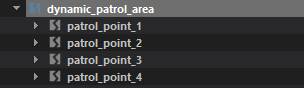
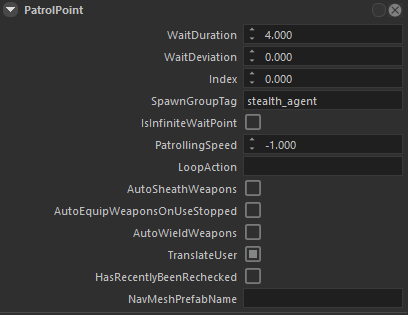
On each patrol_point you can set:
- waitduration - how long the bandit waits at this point.
- waitdeviation - random variation added to the wait time.
- infinite wait point - the bandit stays at this point permanently.
Important: every point must be placed on the navigation mesh (navmesh).
Stealth Boxes
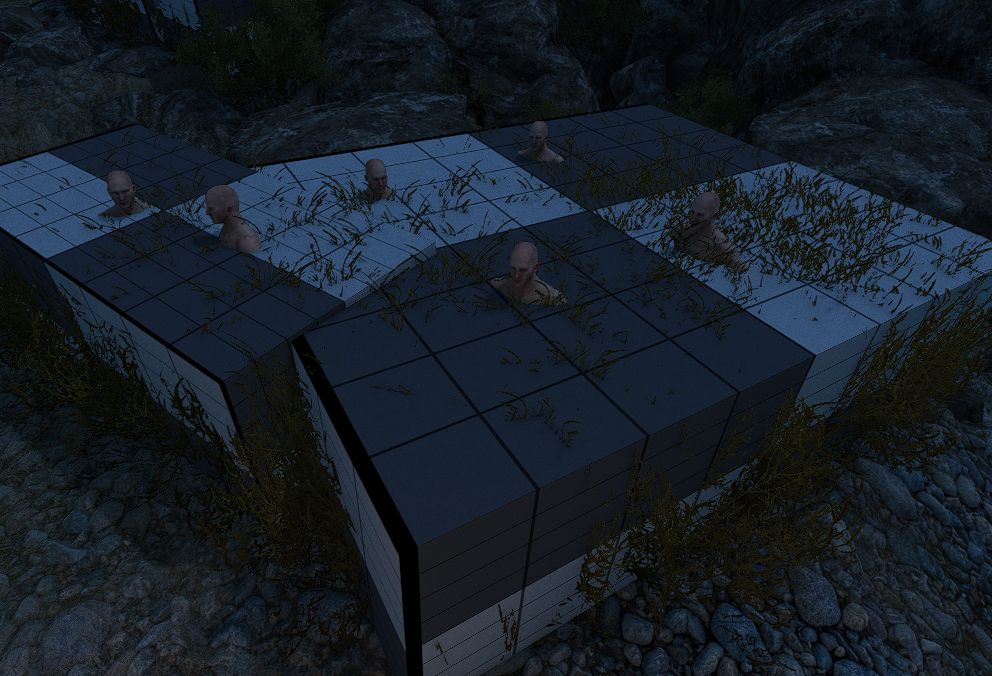
Stealth boxes define the volume where the player is hidden. Place them over the grass or bushes you want the player to hide in.
- Make the box cover the entire visible bush, so players can judge where they are hidden and where they are exposed.
- Match the bush and box height to a human. A crouching player should be hidden, and a standing player should be exposed.
Reinforcement Signal
- Prefab: stealth_area_use_point.
- Lets the player call reinforcements before attacking the Main Bandit Group.
- The prefab is made up of the following parts:
stealth_area_use_point (parent)
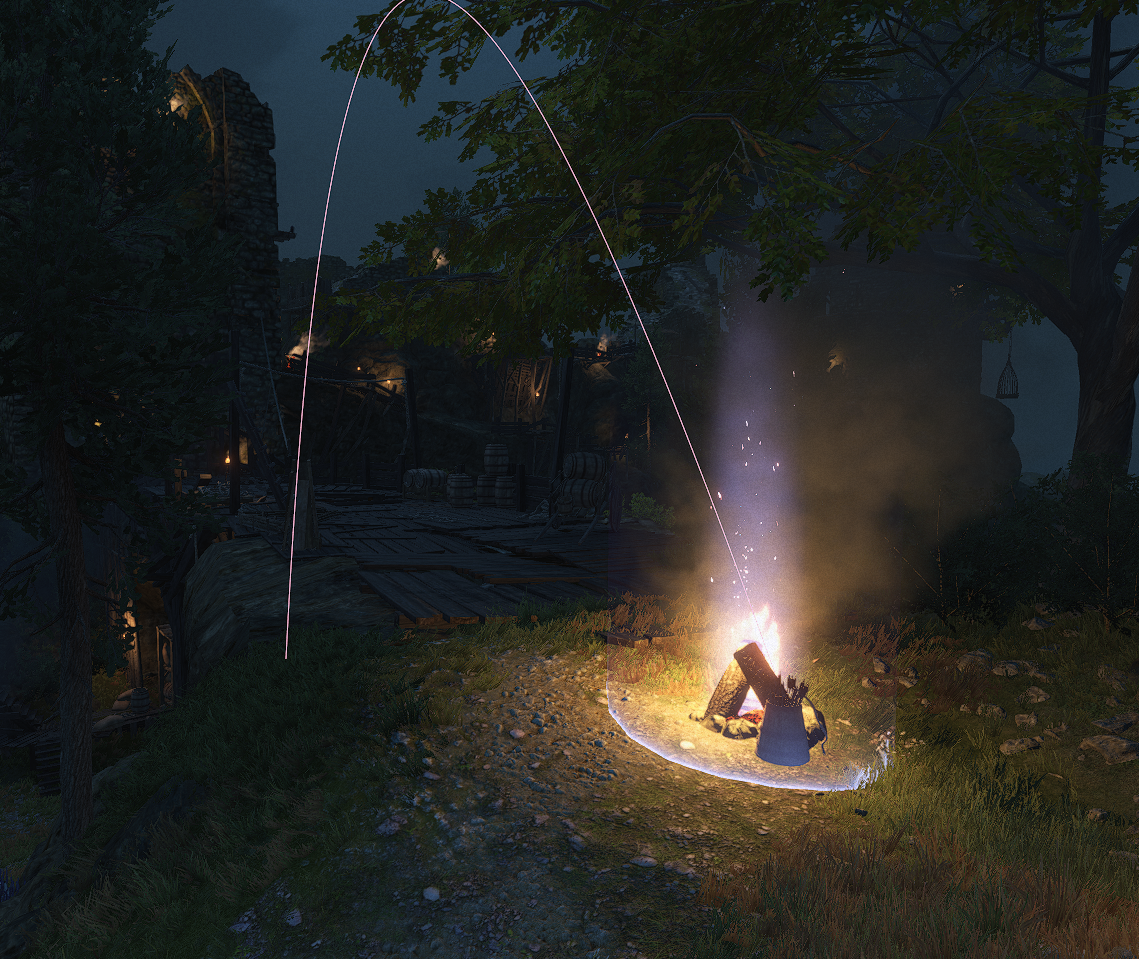
The interaction point. Place it wherever you want the player to signal their troops (default key: F). Interacting starts a short cutscene in which the player fires a flaming arrow to signal the reinforcements.
stealth_area_marker (3 in the prefab)
Each marker has two children:
- reinforcement_ally_group_spawn_point_tag - where the reinforcements spawn after the player uses the signal point. Place it out of the player’s line of sight so they don’t see the troops appear. It must be on the navmesh.
- wait_point_tag - where the reinforcements wait for the attack signal. They crouch while waiting, so you can place this point inside tall grass to hide them. Avoid exposed positions. It must be on the navmesh.
Cutscene
Has two children:
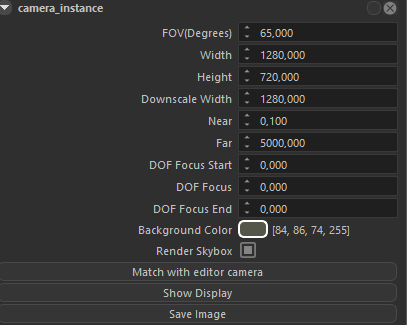
- camera_instance - positions the camera for the signal cutscene.
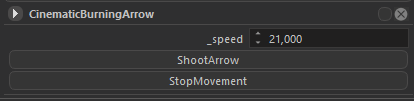
- arrow_root - controls the direction, angle, and speed of the flaming arrow. Select arrow_root and rotate it with the gizmo to aim the arrow.
5. Tips
- Detection window: when a sentry spots the player, the player has a few seconds (currently 5) to take that sentry down before the mission fails. Make sure the paths between cover points, and the spots where players attack sentries, don’t leave the player exposed for too long.
- Sentry spacing: sentries can hear fights nearby. If they stand too close together, attacking one may alert the others. Playtest often and adjust the spacing.
- Navmesh: check that every spawn, patrol, and wait point is on the navmesh.
- Night: check that the scene still reads well at night. Torches and campfires help guide the player.